Create a presentation with Gamma
Generate a presentation from a prompt or existing material, then revise the cards before sharing it.

What you will create
Turn a brief into a short Gamma presentation, then refine each card into a clear sequence. Each card should convey one useful idea, not merely divide a long text into equally sized blocks.
Before you start
Prepare the audience, objective and essential facts. If your text is already approved, decide whether Gamma should preserve or rewrite it. Choose how you will deliver the result: live presentation, viewing link or exported file. Keep confidential information out of documents intended for public access.
Step-by-step
- Choose the presentation format. Describe your topic or use existing material. Gamma offers generation, text-pasting and import workflows; select one that matches your starting point.
- Shape the outline. Request a limited number of cards and specify the language. Review the proposed structure before generating: remove duplication and add important missing questions.
- Revise the cards. Replace vague titles with explicit messages. Preserve numbers and qualifications from the brief. Simplify or split a crowded card instead of merely shrinking its text.
- Unify the design. Choose a coherent theme and images that explain the subject. Avoid repeated decorative illustrations that add no information.
- Test delivery. Review in presentation mode. Before sending a link, check access for the intended audience. If exporting, open the resulting file and inspect its layout separately.
Example to adapt
Prepare a six-card presentation in English explaining a new onboarding process to new colleagues. Outline: objective, before arrival, first day, first week, useful contacts and final checklist. Use only facts from my notes. Preserve team names exactly. Do not invent internal procedures; mark missing steps “to complete”. Use one main idea per card.
If the text is already approved, add: “Preserve my wording; focus on distributing it and arranging the layout. Flag suggested rewrites separately.” Still review the result despite this instruction.
Check your result
- Does each card answer a different question?
- Have facts and internal terminology been preserved?
- Is text readable without zooming?
- Can the recipient access the presentation in the selected format?
Common problems
The outline goes in the wrong direction: specify the audience and intended decision or action. Gamma adds facts: remove unconfirmed additions and tighten the brief. Cards are too long: keep essential messages and move detail to a supporting document. Export changes the layout: fix the version you will actually send.
Next steps
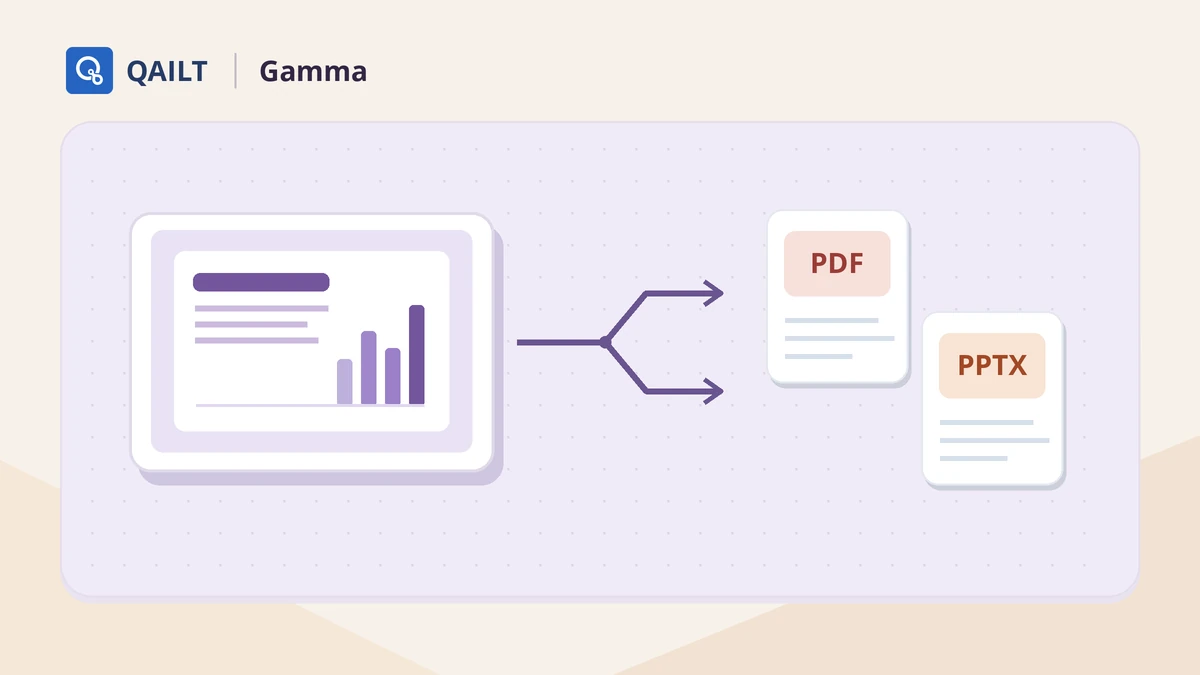
Explore the Gamma profile and learn to export a presentation to PowerPoint or PDF.