
Who this tool is for
AudioPen is for people who want to turn an individual voice note into written text. Its focus is personal notes rather than meetings where identifying different speakers is part of the task.
What you can do
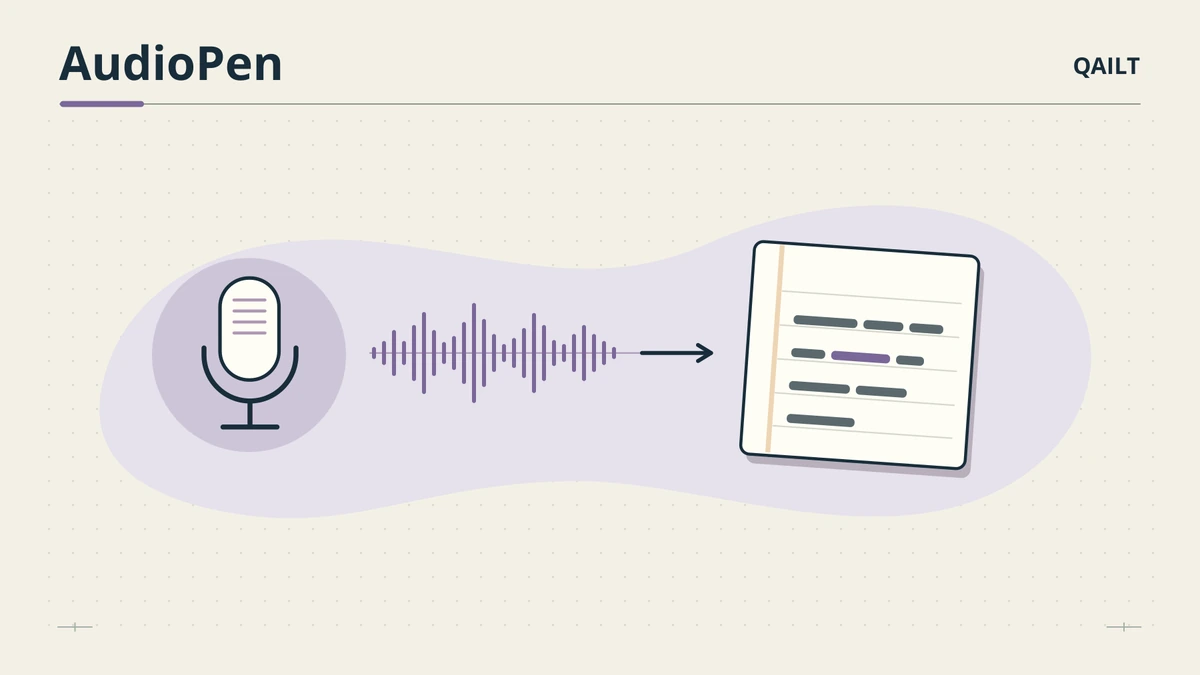
The tool creates a transcript and offers optional rewriting in a chosen style. The original transcript stays alongside the note. Writing styles and Low, Medium, and High rewrite levels control how extensively the text is transformed.
How it works
Start with a voice note and examine its transcript. If using rewriting, choose a writing style and transformation level. Then compare the draft with the transcript, paying particular attention to names, amounts, and any qualifications or uncertainty.
Prerequisites
Rewriting existing saved notes, uploading audio, and processing text require Prime. Free access has limits. AI rewriting requires an internet connection and runs in the cloud, even when a compatible native application supports offline transcription.
Limitations
AudioPen is not a meeting bot and does not label speakers. Compatible native applications offer offline transcription, but transcription through the web version and Chrome extension always runs in the cloud. Review rewritten text rather than assuming accuracy.
Practical example
Fictional hypothetical example: “I’d like to suggest a walk on Saturday, but the date is still unconfirmed.” A possible email draft is: “Hi, would a walk on Saturday suit you? The date is still unconfirmed.” Check that the uncertainty remains.
Getting started
Begin with a short fictional personal note containing no sensitive information. Review the transcript first, then optionally try a rewrite. Check the access requirements for your intended function before relying on it to prepare a final draft.
To organize your notes afterwards, see the profile for Capacities.