
Midjourney vs ChatGPT Images for Marketing Visuals
Compare Midjourney and ChatGPT Images for consistent campaign artwork, precise revisions and readable text using one repeatable brief.
Which tool should you choose?
Try Midjourney first when you need a visual style you can apply to a series of images. Try ChatGPT Images when you want to start from a detailed brief and revise it in conversation. For a public ad, add exact prices, logos and mandatory copy as editable design elements before publishing.
At a glance
| Task | Midjourney | ChatGPT Images |
|---|---|---|
| Carry a style across images | Style Reference accepts a reference image or style code. | Attach a reference and name the visual elements to preserve in each request. |
| Revise one area | The web Editor lets you mask an area for changes. | Describe an edit or highlight an area. Changes may extend beyond the selection. |
| Put a headline in the image | Use double quotes and keep the phrase short. | Specify the exact phrase and position, then proofread at the intended display size. |
| Try before paying | The main web and Discord tools have no free trial. The niji mobile app offers a limited trial. | Image creation is available on Free with separate usage limits. |
Use one brief in both image tools
Copy this brief into both tools. « Create a 4:5 ad image. An unbranded forest-green stainless steel water bottle sits on a pale stone slab. Raking light from the left, soft shadow, cream and pine-green palette, minimal scene. Keep the top quarter clear for a headline. No text or logo. » Start with a fictional product to isolate composition and visual direction.
Pick one version in each tool and ask for the same edit. « Lighten only the background to warm beige. Keep the bottle’s shape and placement, the crop and the shadow. » Toggle between the original and edited files and look at the edges of the bottle. A good first image can still be expensive to revise if its silhouette or framing changes every time.
Compare style consistency and editability separately
To build a series, use the same Midjourney Style Reference with three different objects. Look for consistent lighting, color and background texture. The reference helps establish a look. Use an approved source photo when the shape of a real product must carry through.
In ChatGPT Images, state what to preserve and select the area to edit when that makes the request clearer. Check the rest of the image after each pass. OpenAI’s help notes that edits may extend beyond the selected area. Keep a copy of the approved base image in both tools so a bad edit does not carry into the next version.
Proof an ad before publishing
Ask for a version containing « SUMMER EDITION » and « $29.90 ». If your audience is French, use « ÉDITION D’ÉTÉ » and « 29,90 € ». Read it at phone size and check spacing, accents and punctuation. Add the final wording in an editable text layer so a campaign change does not require new image generation.
Compare any real product mock-up with an approved photograph. Check the cap, texture, color and logo. If the generated image alters a recognizable detail, place the real product photo into the generated background instead. If the launch is confidential, check account visibility before uploading materials. The Midjourney gallery is public by default. Stealth mode is available on Pro and Mega.
Pick the workflow you can repeat
Time the first image, one revision and one resize for a different placement. Record whether each file preserves the product and leaves enough room for the text. Pick the tool that gets you to a usable second format with the least rework. The sample brief is a method for evaluating your own images.
Put it into practice


Related tools

ChatGPT
Versatile AI assistant to search, write, analyze and automate many everyday tasks

Midjourney
Image generation AI tool designed to transform prompts into high-quality stylized visuals
Read next

Top 10 AI tools for job seekers and interview preparation
Ten tools for organizing a job search, checking vacancies, preparing applications and practising interviews without inventing experience.
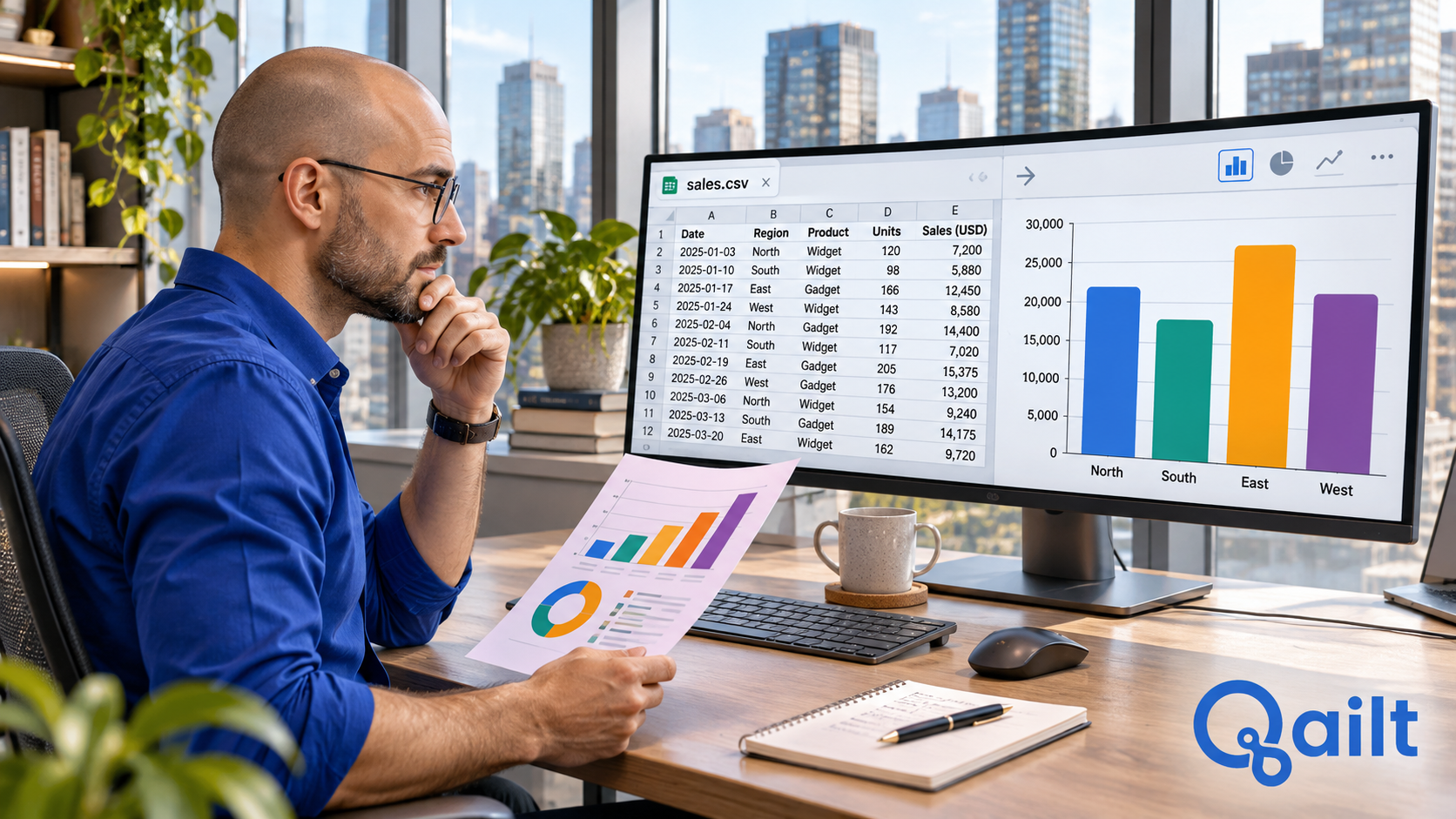
Best AI tools for analysing Excel and CSV data
Choose Copilot in Excel, ChatGPT or Claude by workflow and access, then require traceable cleaning, clearly defined totals and an export you can check.

Best AI tools for writing and explaining Excel formulas
Choose Copilot, ChatGPT or Claude according to workbook access, then check business logic, local syntax and copying with a worked reader exercise.