Create a training video with Synthesia
Build a short avatar-led lesson. Write the narration, organize it into scenes, and review the result before sharing.

What you will create
Build a short lesson with an avatar, a demonstration and a knowledge check. The aim is not to recite a procedure: the learner should be able to complete one concrete action afterward. This example teaches a simple meeting-note skill without using real company information.
Before you start
Define your audience, their existing knowledge and one skill to teach. Prepare a fictional example, a weak alternative and the expected response to an exercise. Use authorized visuals without confidential details. Check your account's features and budget; access to a creation option does not mean every render or export is included.
Step-by-step
- Write an observable goal. Replace “understand meetings” with “write an action with an owner and a deadline.” Use that goal to remove irrelevant material.
- Plan three scenes. Introduce a problem, demonstrate an improved example, then give a short exercise. Write the spoken script separately from the few words displayed.
- Start a project. Choose a template or a blank project in Synthesia. If importing material, distinguish Import a script, intended to retain your wording, from Import a file, which can create a new script. Review the result either way.
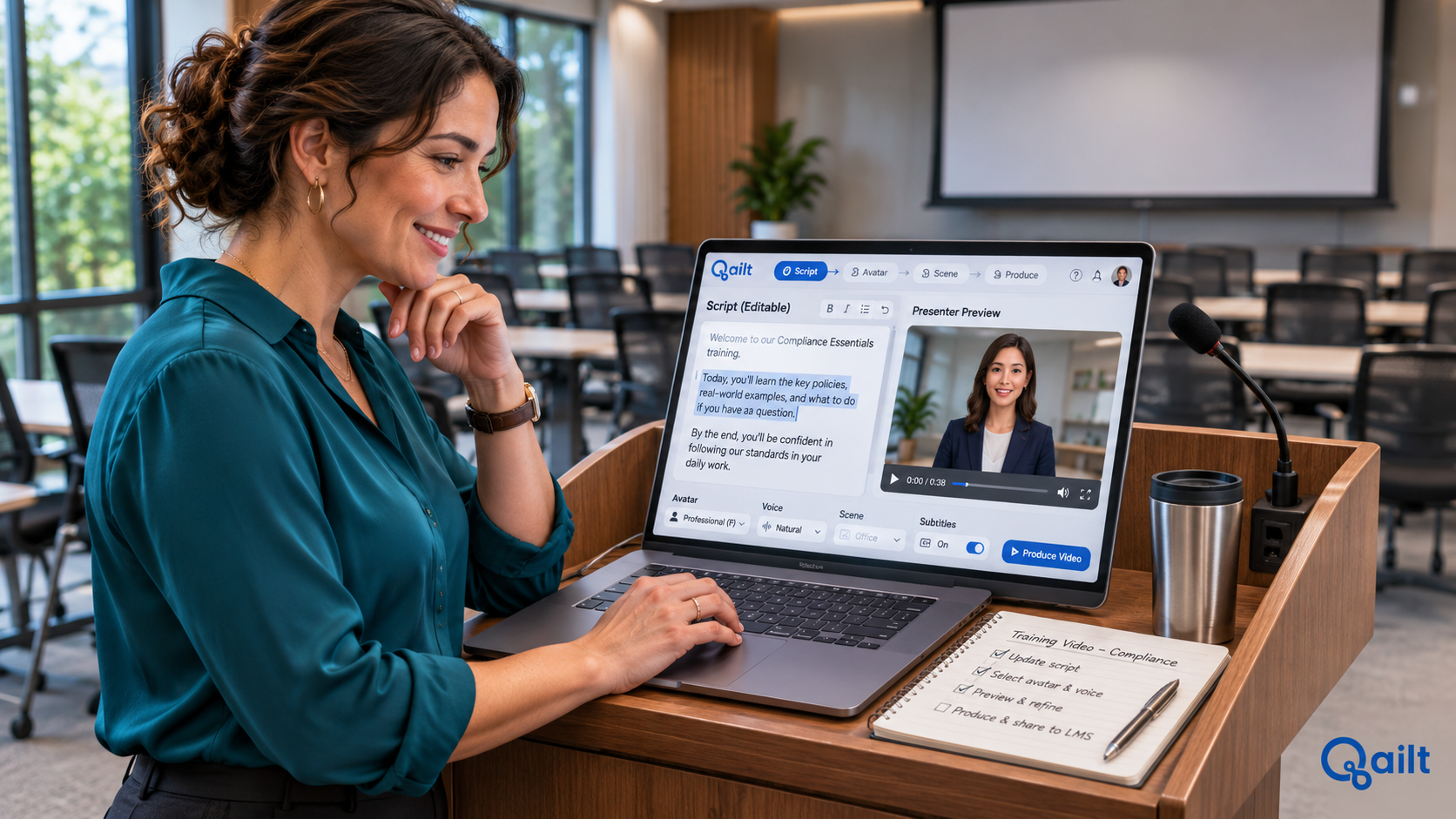
- Assemble the lesson. Organize scenes in the editor, add visuals and enter narration in the script area. Set the avatar, language and voice. Let the avatar introduce the method while the visual example explains it.
- Preview and generate. Listen for difficult terms, review pacing and read headings at normal viewing size. Use Generate after reviewing content and available options. Watch the finished result before sharing it.
Example to adapt
Scene 1: “A note saying ‘review the home page’ leaves three questions unanswered: what happens next, who does it and by when?” Display that short note without distracting decoration.
Scene 2: “Instead, write: Lina prepares two heading proposals for Tuesday; the team selects one on Wednesday.” Highlight both actions and deadlines. Explain that Lina and this project are fictional.
Scene 3: “Turn ‘improve the form’ into an assigned action with a deadline.” One acceptable response is “Sami proposes a simpler version on Thursday.” This exercise is completed on paper or in a document; it is not an automatically configured interactive Synthesia quiz.
Check your result
- A learner can explain the skill without replaying the whole lesson.
- Each scene adds something new, and displayed text is readable.
- Fictional names sound correct and spoken dates match the visuals.
- The exercise tests the taught skill without introducing an unexplained rule.
- Ask a first-time viewer to complete the exercise. Watch where they hesitate instead of asking only whether they liked the lesson.
Common problems
Too much information: remove a secondary objective instead of speeding up narration. A paragraph fills the screen: show only essential cues and let the voice explain. Import rewrites the script: compare with the approved wording and select the appropriate import workflow. Attractive output but unsuccessful exercise: improve the example or explain a common mistake rather than adding decorative animation.
Next steps
Explore the Synthesia tool page. Reuse the goal, demonstration and exercise structure for another lesson, replacing the scenario and its success criteria completely.