Create cases from a CSV or Excel file in Bretton AI
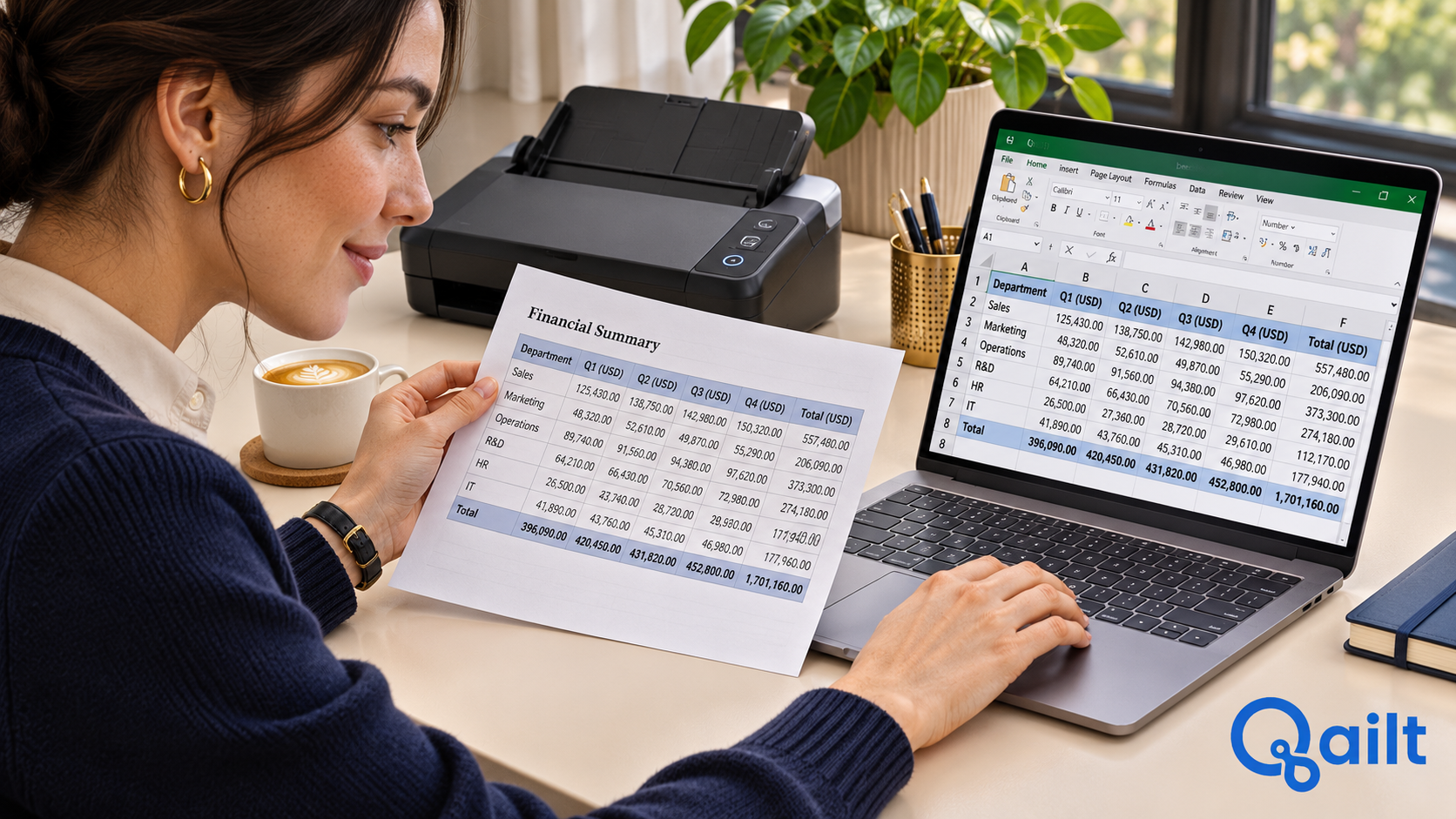
Import a file into Agentic Upload, tell the agent how to group its rows, and check the proposed cases before creating them.
Import a file into Agentic Upload, tell the agent how to group its rows, and check the proposed cases before creating them.
What the tutorial covers
- Open a Bretton AI agent, select New run, and choose Agentic upload.
- Upload a CSV or XLSX file and write a recipe that defines which rows to group into a case and which to exclude.
- Review the rows marked ready, answer the agent’s questions, and check any exclusions.
- Select Create cases after review. Each new case starts an agent run.
Video by Bretton AI.