
Best AI tools for dubbing videos in French and English
ElevenLabs, HeyGen or YouTube: compare translation, correction and synchronization to dub French and English videos without changing meaning.
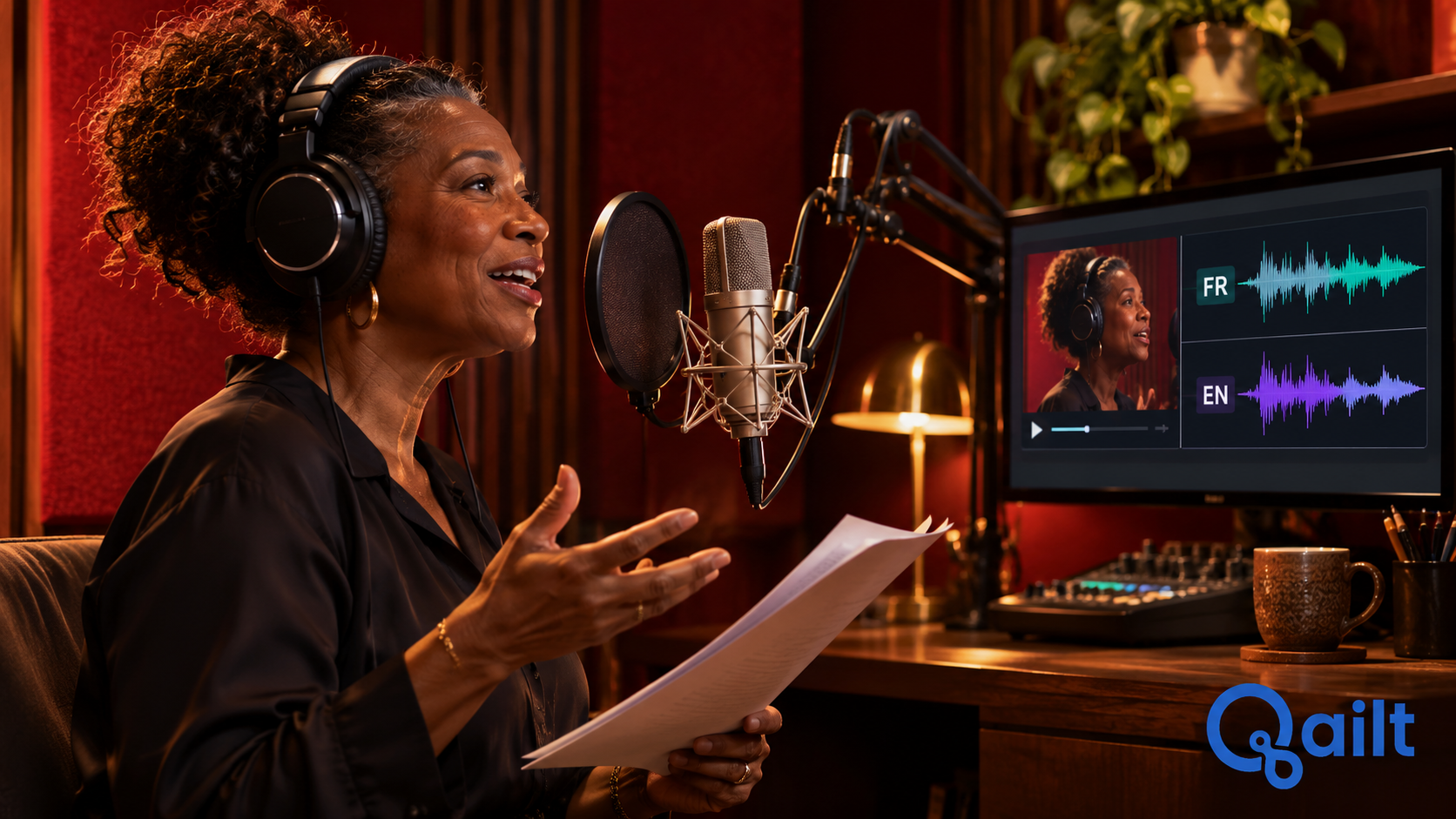
To dub a video from French into English, or the reverse, first choose how much control you need over the translation. A natural voice is not enough if it changes a number, drops a negative, or speaks after the relevant screen element disappears. Dubbing replaces speech in an existing video; it is different from adding subtitles or creating a virtual presenter.
This documentation-based selection was checked on November 13, 2026. It compares workflows, not quality scores measured by QAILT. No voice or synchronization benchmark was performed for this article. The proposed procedure helps you compare services using your own authorized clip before processing an entire video.
Which workflow fits?
- You prioritize a translated audio track you can review: examine ElevenLabs, checking the model and correction options actually available.
- The speaker's face must follow the new speech: examine HeyGen's translation workflow with lip synchronization.
- Your main destination is YouTube: check the automatic dubbing available to your channel and individual videos before paying for another service.
For a screen demonstration, lips often are not the subject. Accurate translation at an appropriate pace may matter more than visual transformation. For someone speaking directly to camera, matching mouth movement adds another criterion without replacing the meaning check.
Important differences between the tools
ElevenLabs: check the correction route
ElevenLabs documentation distinguishes model generations and legacy Dubbing Studio. Editing and regeneration options depend on the route; API editing is Enterprise-only under the conditions checked. Dubbing itself does not include lip synchronization. Verify these points before submitting a long file.
HeyGen: translate speech and, when needed, lip movement
HeyGen offers audio-only and lip-synchronized modes. Its Proofread workflow allows translation review before final rendering, depending on the plan. Video Translation does not translate text already baked into the image. That matters for training videos containing visible headings or menus.
French and English appear in the official language list with several regional variants. Choose the variant matching your audience rather than selecting one arbitrarily.
YouTube: verify eligibility and review before publishing
YouTube offers automatic dubbing for eligible videos and languages. Its documentation provides manual publication, track previews, and transcript review in Studio. Experimental features depend on channel access. Do not assume an advertised capability is available for every video.
Prepare a source that supports translation
Start with the final edit, or something close to it. Changing scene order afterward means checking the relationship between speech and image again. Keep the original and identify the exact version submitted. A filename saying “final” is not enough when several exports share it.
Prepare a corrected transcript and a small glossary containing company names, product names, abbreviations, units, and words that should remain untranslated. Source errors propagate easily. If the transcript reads “fifteen” rather than “fifty,” the translation can be grammatically perfect yet unusable.
Check the permissions needed for both video and voices. Possessing a file does not automatically mean you may imitate every recorded person's voice or publish a modified version. Use your own voice, an authorized voice, or an appropriate narration option. Do not create the impression that someone approved statements they never agreed to.
Use a short trial with difficult passages
Select thirty to sixty seconds containing a proper name, a quantity, a negative statement, and a scene change. If possible, include a moment when the speaker points to a button. This is more informative than an easy, slowly spoken introduction with no specialized vocabulary.
Here is a fictional sentence for your own exercise: “Do not approve the file before March 15. Choose the 50-euro plan, then open the Export menu.” It was not processed through the tools for this article. The acceptance criteria are straightforward: preserve the prohibition, date, amount, and menu name.
In the French version, verify that the date has not become a different deadline and that the number remains fifty. In the opposite direction, check units and commercial wording. Correct translation need not be literal: it may shorten a sentence, but must not remove an important condition just to fit the available time.
Check three layers separately
- Text: are the message, numbers, qualifications, and names correct?
- Voice: are words understandable, pauses natural, and speaker changes coherent?
- Video: does speech still match gestures, scenes, and displayed information?
First read the text without listening. Next listen without looking at the image. Finally watch the complete video. Separating these checks prevents an appealing voice from masking a translation error or polished visuals from distracting you from awkward pronunciation.
For important words, record the exact time and intended correction. “The translation is wrong” is not actionable. “At 00:24, the product name is pronounced as an English word; preserve its French pronunciation” gives a clear next step. Have someone who understands the target language review consequential passages.
Include the opening, closing, and transitions in the review. Dubbing problems are not limited to sentences. A clipped first word, an overlong final phrase, or a speaker change assigned to the wrong voice can make an otherwise accurate translation feel unfinished. Keep a checklist of these issues rather than relying on a single general impression.
Check export and actual cost
Before processing a library, export one example and open it in your player or editing application. Check resolution, beginning and ending, audio channels, and whether an old voice track remains underneath. Subtitles should match the words actually spoken, not an earlier draft.
Ask what correcting the first render will cost. Count source duration, target languages, possible regenerations, and review time. A low per-minute price loses its appeal if one sentence cannot be corrected without rebuilding the project. Check the terms displayed when purchasing rather than assuming every capability is included.
Keep the source video, approved script, exported dub, and a short correction log together. Name language versions explicitly so the English track is not accidentally attached to a French export. If the source later changes, that record helps identify which translated versions must be reviewed again.
Frequently asked questions
Is lip synchronization essential?
No. It can help with a person facing the camera, but adds less to a screen recording or a montage without a speaking face. Prioritize meaning and intelligibility.
Does dubbing translate visible text?
Not necessarily. Titles, graphics, and buttons require separate checks. An English voice with essential instructions still displayed in French can remain difficult for the intended audience.
Where should I begin?
Prepare the clip and glossary, then try one workflow. The ElevenLabs overview and tutorial on dubbing a video with ElevenLabs extend this method. For translated text rather than a new voice, see our guide to subtitle translation.
Put it into practice

Related tools

ElevenLabs
Voice synthesis AI tool designed to generate realistic voices and high-quality voiceovers
Read next

ElevenAI opens early access for meeting notes on Mac
ElevenLabs introduces a Mac app with dictation, speaker-labeled transcripts, and action items. Free early access is available by sign-up.

Open-source ElevenLabs alternatives: voices, licensing and setup
Kokoro, Piper or Chatterbox: compare weights, voice licences, setup and operating costs before replacing ElevenLabs with an open alternative.

ElevenLabs vs Murf for French Voiceovers
Compare ElevenLabs and Murf for French narration, pronunciation fixes, audio downloads and syncing a voiceover to video.