
Best AI tools for creating background music for videos
SOUNDRAW or Suno: create background music that fits your video, checking speech clarity, duration, loops and track permissions before publishing.
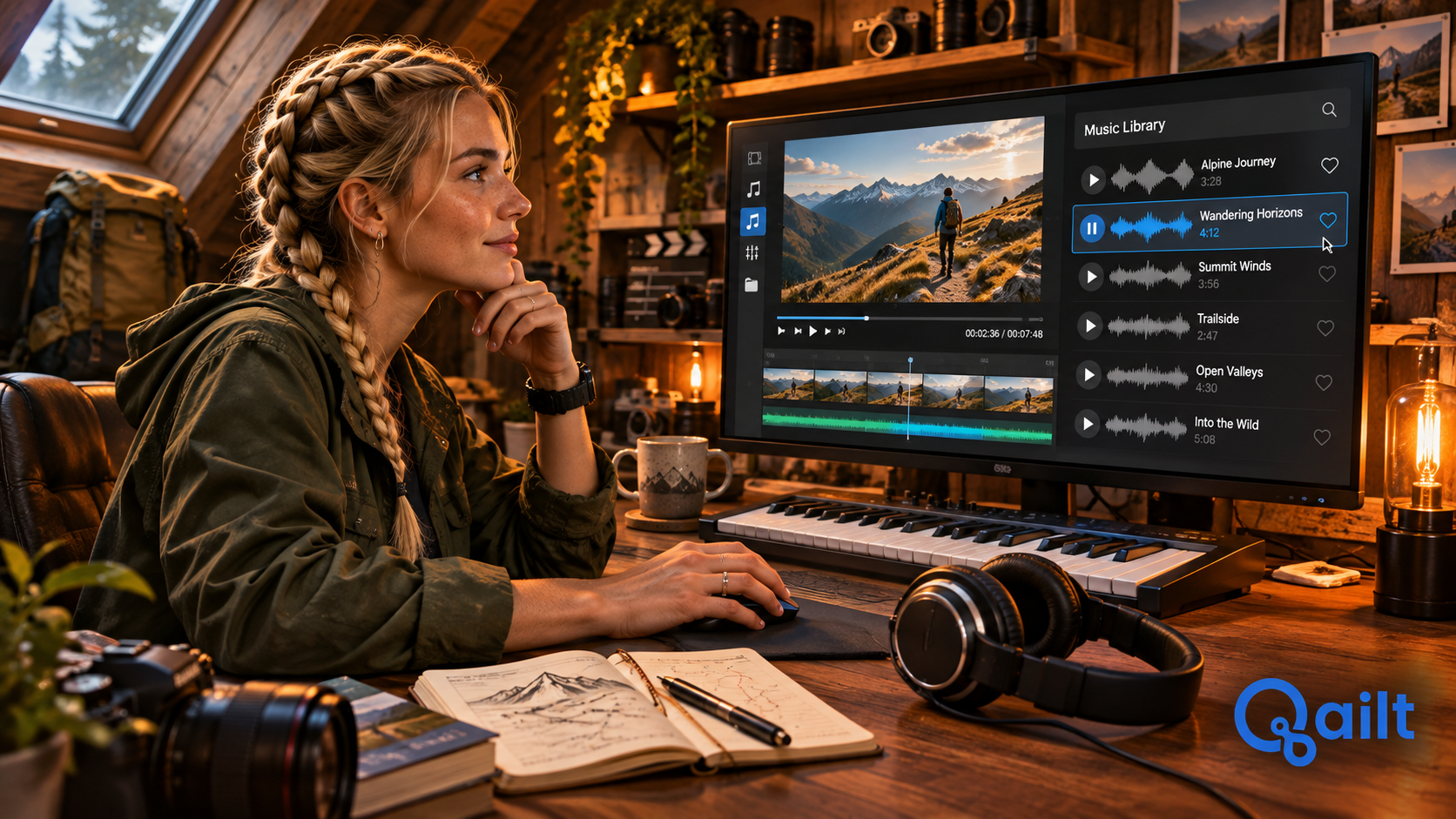
To create AI background music for a video, choose a track that leaves speech intelligible and permits your intended use. A song that sounds impressive alone may become distracting underneath an explanation. The right choice depends on duration, energy, editing options, and the terms attached to the specific track you intend to use.
We examine SOUNDRAW for accompaniment-oriented construction and Suno for musical exploration, using a shared editing method. Official sources were checked on November 13, 2026. No track was generated or compared by listening for this article. The briefs and trials are proposed exercises, not reported test results.
Start with the music's job
Should the track support speech, add rhythm to a demonstration, or play alone during a transition? Write down that role before selecting a style. A prominent melody or singing may compete with a spoken tutorial. A short sequence without narration can give the musical theme more room.
Mark moments when music should step back: an important number, an instruction, a topic change, or the conclusion. Do not simply request something “dynamic.” Describe a progression and the quiet areas needed. You can then compare versions by their usefulness in the video, not only by musical preference.
Two approaches to examine
SOUNDRAW: adapt the structure to the edit
SOUNDRAW documents blocks that can be added or removed and adjusted for energy. Mixer mode includes instrument groups and duration settings. That approach is worth examining when the priority is matching accompaniment to different sections of an edit.
Suno: explore a musical direction
Suno is an option for creative exploration, but do not choose solely because a free generation sounds appealing. Its documentation restricts free-plan songs to personal, non-commercial use. For a monetized video or professional project, check the track's rights before incorporating it. Suno free-plan conditions.
Our practical choice would be to test whichever solution supports the corrections the edit needs. If you must shorten an introduction and thin out the section under speech, those two operations matter more than a long style catalogue. There is no universal winner without knowing the video.
A usable musical brief
Create an instrumental accompaniment for a 60-second educational video. Calm, positive mood, with no singing or lyrics. A restrained introduction, moderate energy during the demonstration, and a clean ending that leaves room for the final spoken sentence. Avoid abrupt changes and sounds that mask narration.
Adapt the brief to the controls actually available. Requesting sixty seconds does not guarantee an exactly usable file of that duration. Measure the export and check the ending. If you need forty-five seconds, a coherent musical ending is preferable to cutting through an important note.
Describe general characteristics rather than requesting a copy of a song or an artist's signature sound. Also distinguish a mood reference from material you are entitled to import. A familiar track placed in the project as a reference is not automatically usable in the final export.
A fictional comparison exercise
Prepare a sixty-second test edit: five seconds of opening, forty-five seconds of narration, and ten seconds of conclusion. Use narration you are authorized to process. This exercise was not performed with the products for this article; it is a selection framework.
- Listen without music to identify difficult words and pauses.
- Add a first track at a level that keeps speech clear.
- Listen to the same section with a second track at comparable perceived loudness.
- Check the transition into the conclusion and the file's final second.
- Ask someone to explain the message without showing them the script.
If the listener understands more without music, reduce the accompaniment or remove it from that section. Silence is an editing choice, not a generation failure. A track that works for the introduction may not suit the whole tutorial.
Repeat the check on headphones and an ordinary phone speaker. Do not assume that an attractive low-frequency rhythm will remain useful on every device. Keep the comparison fair by using the same narration and edit points, rather than rewriting the video to favor one candidate.
Loops, duration, and separate tracks
For a loop, listen closely where the end meets the beginning. A seemingly regular rhythm can still produce a break when reverberation is cut off. Repeat it several times in the edit instead of assuming a “loop” option makes every output seamless.
If you need to remove drums or simplify a melody, verify access to separate tracks, often called stems, and their actual export quality. A global volume control is not equivalent to editing one instrument. Test the operation before buying a plan based on that promise.
Keep versions of the edit with and without music. That makes later corrections, licensing changes, and another language easier. A longer French narration may need a different musical progression from its English counterpart.
Check the track's license, not just a slogan
SOUNDRAW's license page distinguishes background use in creative projects, song distribution, and uses requiring contact. It prohibits Content ID registration and differentiates Creator and Artist plans. Check the exact case, especially client work or distributing music independently. SOUNDRAW license.
Suno describes commercial-use rights under a paid subscription while noting that this does not guarantee copyright protection. Paid-subscription rights. Its guidance on earlier creations says a later subscription does not automatically grant retroactive commercial rights to songs made for free. No automatic retroactive license.
In practice, retain the creation date, track identifier, plan used, download evidence, and terms checked. If two pages appear inconsistent for your case, request clarification from the service before distribution. This guide summarizes consulted conditions; it does not replace reviewing your particular license.
When handing a video to a client, include the music record with the delivery notes. Clarify the intended platforms and uses rather than merely saying “AI music included.” A useful record lets the next editor identify the original track and check whether a new campaign still fits the permission obtained.
Permission is not a guarantee against claims
Do not promise a client that AI music can never trigger a claim. Preserve supporting evidence and a way to replace the track without rebuilding the entire video. A problem-free first upload is not a permanent guarantee across platforms and uses.
Also check the rules of the intended destination. A personal video, advertisement, client project, and standalone music release are not necessarily the same use. The word “free” in marketing does not remove the need to read scope and restrictions.
Frequently asked questions
Must the music be AI-generated?
No. A music library with a suitable license may be simpler. AI becomes useful when you want to explore a mood or adjust a particular structure, not merely because generation is available.
Can a free song be used in a professional video?
Do not assume so. Check the service, plan, and specific track. The Suno example shows why free generation and commercial permission are separate questions.
Where should I begin?
Prepare the brief, compare two tracks in the same edit, and archive permission evidence. To explore creation, see the Suno overview and tutorial on generating a song with Suno, retaining the license checks before publication.
Put it into practice


Related tools

Suno
Music generation AI tool designed to easily create songs from simple text instructions
Read next

ElevenAI opens early access for meeting notes on Mac
ElevenLabs introduces a Mac app with dictation, speaker-labeled transcripts, and action items. Free early access is available by sign-up.

Photoshop 28.0 removes objects and their shadows or reflections
Photoshop’s Remove tool can erase an object and the traces it leaves in the scene. Find out where to use the option and how it uses generative credits.

Open-source ElevenLabs alternatives: voices, licensing and setup
Kokoro, Piper or Chatterbox: compare weights, voice licences, setup and operating costs before replacing ElevenLabs with an open alternative.