
Best AI logo generators for editable brand assets
Compare Looka, Illustrator and Canva for editable logo assets. Check small-size readability, source files, exports and usage conditions.
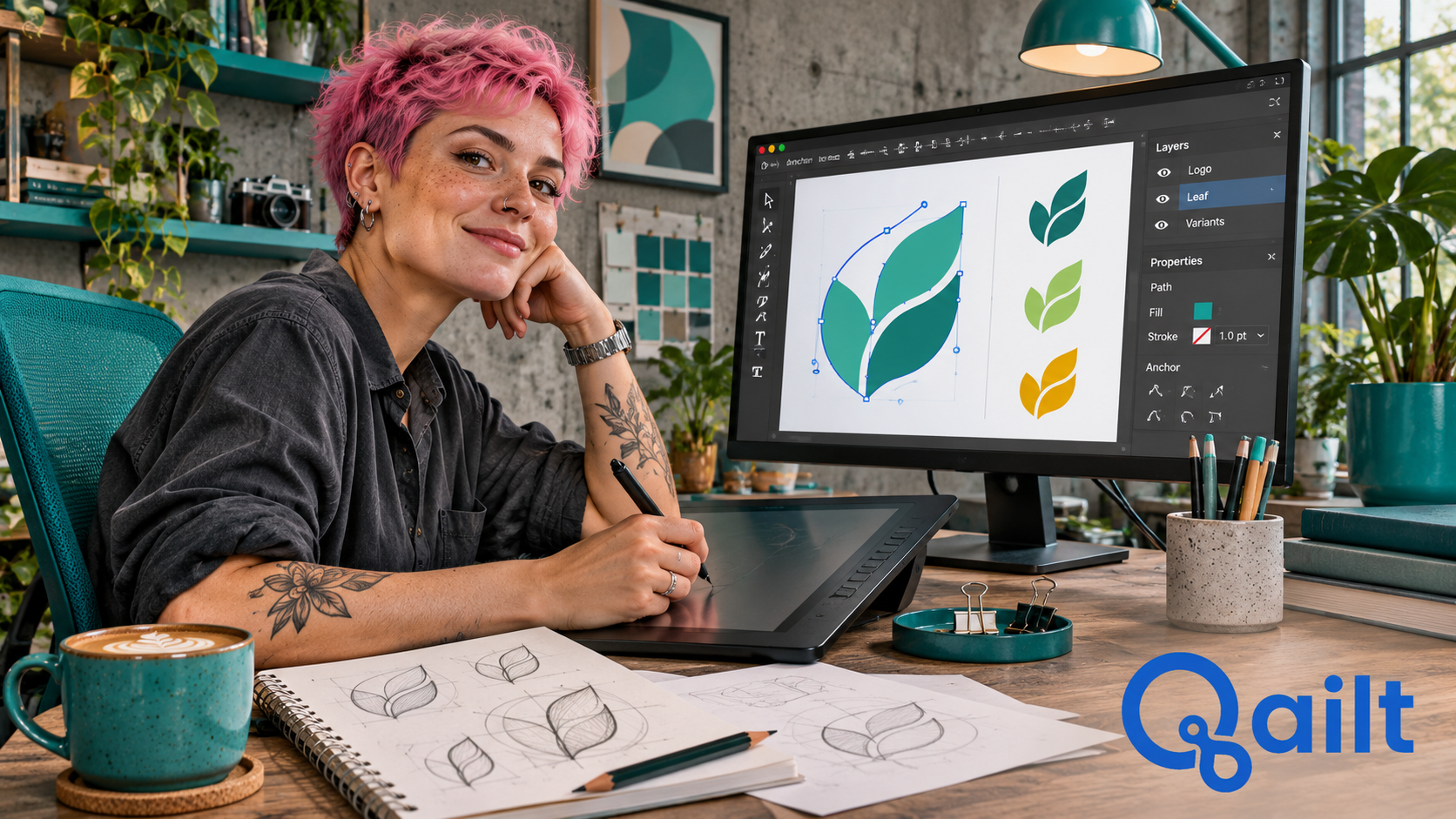
For a genuinely editable logo, choose the export workflow before choosing the generator. Consider Looka for a logo-focused process, Illustrator for reshaping vector artwork, and Canva for assembling and applying an identity in a familiar editor. An attractive generated image is not a substitute for a file where the name, symbol and colours can be changed separately.
Official sources checked on 13 November 2026. This selection compares documented features, without a shared hands-on test of the three services. Exercises are original teaching scenarios. We guarantee neither exclusive originality nor trademark availability, and cannot certify an export we have not received.
What does “editable” actually mean?
A transparent PNG can be useful on a website, but its lettering and symbol are not necessarily separate objects. A vector file describes scalable shapes; that does not guarantee its text remains editable as text. Letters converted to outlines are still shapes, not a field where you can type a new name.
Define the future change before choosing: replacing a tagline, adjusting a colour, moving an icon, enlarging a sign or handing work to a designer. These tasks do not all require the same file. A clean source document with identifiable elements is often as important as the export format.
Three workflows to compare
Looka: a logo-oriented starting point
Looka documents SVG and EPS files for further logo editing in design software. We would consider it for producing proposals and handing files to someone who can finish them. Confirm that your chosen package includes the required files rather than assuming a free preview is a complete deliverable. Looka lists SVG and EPS in its Premium logo-only package. Within Looka, the company name and its layout cannot be edited after purchase.
Illustrator: control the shapes
Adobe presents Text to Vector Graphic as a way to generate editable vector artwork. We would favour this route if you already work with shapes or have a designer who can simplify the output. Generating a symbol and finishing a legible logo remain separate tasks.
Canva: assemble and adapt, then inspect the export
Canva's file-format documentation covers PNG and SVG among other formats, with some options depending on the plan. We would consider it for combining text and visual elements and applying them to different materials. Importing an AI image into an editable document does not automatically make that image's details editable. Check what you can actually select.
A starting brief that avoids unhelpful directions
Write the exact name, audience, desired personality and three main uses. Add constraints: phone readability, monochrome printing, an optional tagline or a simple symbol. Avoid requests to imitate a famous brand's logo; they steer exploration towards an unnecessary resemblance.
Suggest three directions for a fictional bicycle-repair brand called Noro. Seek a simple symbol that works at small sizes and in one colour. Avoid fine details and dimensional effects. Separate symbol development from the lettering, which must remain easy to replace. Explain each direction in one sentence.
This is a working example, not a clearance check for the name Noro. The three directions help select a concept. Twenty almost identical variations do not necessarily make the decision faster.
Worked exercise: three deliverables, one meets the need
Fictional scenario: you must replace the tagline in six months and use the logo in black on an invoice. Proposal A is a high-resolution PNG with an attractive metallic effect. Proposal B is an SVG whose letters have been merged into outlines. Proposal C contains a source file with separate symbol, name and tagline, plus a monochrome export.
A may work as a presentation image, but does not meet the editing need. B permits shape changes, but replacing the tagline takes more work: vector does not mean editable text. C best matches the stated requirement, provided the necessary font is available and the file opens correctly.
This answer ranks hypothetical deliverables, not vendors. During your trial, request or inspect a sample export before paying for substantial production. A browser preview does not demonstrate the quality of the downloaded package.
Five useful visual checks
- Small size. Inspect the symbol at 32 pixels and the full logo at approximately its intended display width. These are test references, not a universal standard.
- One colour. Remove gradients and effects to see whether the drawing remains understandable.
- Two backgrounds. Try light and dark backgrounds. Do not mistake a white background for transparency.
- Exact name. Check every letter, accent and space. A spelling error invalidates an attractive proposal.
- Balance. Check margins, the relationship between text and symbol, and details that collapse into blobs.
Do not judge only from a building-sign or mug mockup. Presentation can disguise weaknesses in the logo. Return to the flat drawing alone, without decorative shadows.
What to keep in the final package
- A source file with clearly named elements.
- The horizontal, compact and monochrome variants you actually need.
- A transparent export for digital use.
- Reference colours and the fonts used.
- The usage conditions applying to the chosen elements.
- A note explaining what remains editable and in which software.
Open the files in the application that will actually be used for later changes. Try one simple edit and undo it. If a supplier needs the logo, confirm their required format instead of collecting unnecessary file types.
Rights: an export is not trademark clearance
Rights in individual elements and the ability to protect a trademark are separate from graphic quality. Canva's logo and trademark guidance explains restrictions associated with certain library content and templates. Do not assume a template available to other people becomes exclusive because you change its colour.
Before a significant launch, have the name and symbol checked for the relevant territories and activities. This guide compares creative tools, not legal availability of a sign. Keep the applicable terms and records of the elements used.
Cost: pay for a usable outcome
Check the distinction between generation, download, vector files and later editing. Compare the total cost of a usable identity, including possible designer cleanup, rather than only the first preview's price. Do not buy a long subscription before confirming the deliverable meets your constraints.
Also decide who will maintain the identity after delivery. A technically editable file is of limited practical use if nobody can open its source application or locate the font. Include a simple handover check in your acceptance process: another person should be able to find the right variant and understand which file is for everyday use versus future editing.
Frequently asked questions
Is an SVG always completely editable?
No. Inspect its structure and check text, groups and any embedded images. The extension alone does not describe how easy it is to revise.
Can you start from an AI image?
Yes, as a visual direction, then rebuild and simplify useful elements. Our Canva image-generation tutorial covers that exploration, not automatic delivery of a finished vector logo.
What should you do first?
Write the brief and test one concept at small size, in monochrome and on a dark background before multiplying variations. For a marketing illustration rather than a logo, see our image-generator comparison.
Put it into practice


Read next

Top 10 AI tools for teachers: lessons, exercises and feedback
Ten AI tools for lesson preparation, worksheets and feedback, with checks for answer keys, editable exports and classroom access.

ElevenAI opens early access for meeting notes on Mac
ElevenLabs introduces a Mac app with dictation, speaker-labeled transcripts, and action items. Free early access is available by sign-up.

Photoshop 28.0 removes objects and their shadows or reflections
Photoshop’s Remove tool can erase an object and the traces it leaves in the scene. Find out where to use the option and how it uses generative credits.