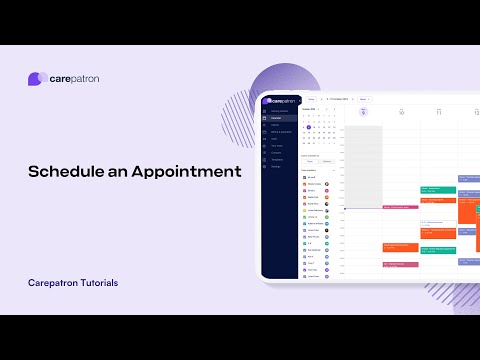
Send client intake forms with Carepatron
Prepare an intake packet and send it from Carepatron so a client can complete the relevant forms before an appointment.

Steps
- Open the client intake workflow and select a test client to confirm the setup first.
- Add the relevant forms and supporting documents, review recipient details, and send the intake.
- Open the invitation as the test recipient, complete the form, and confirm the submission appears on the correct record.
What to check
Confirm the packet contains only the forms needed for that appointment.
See the Carepatron profile on QAILT.