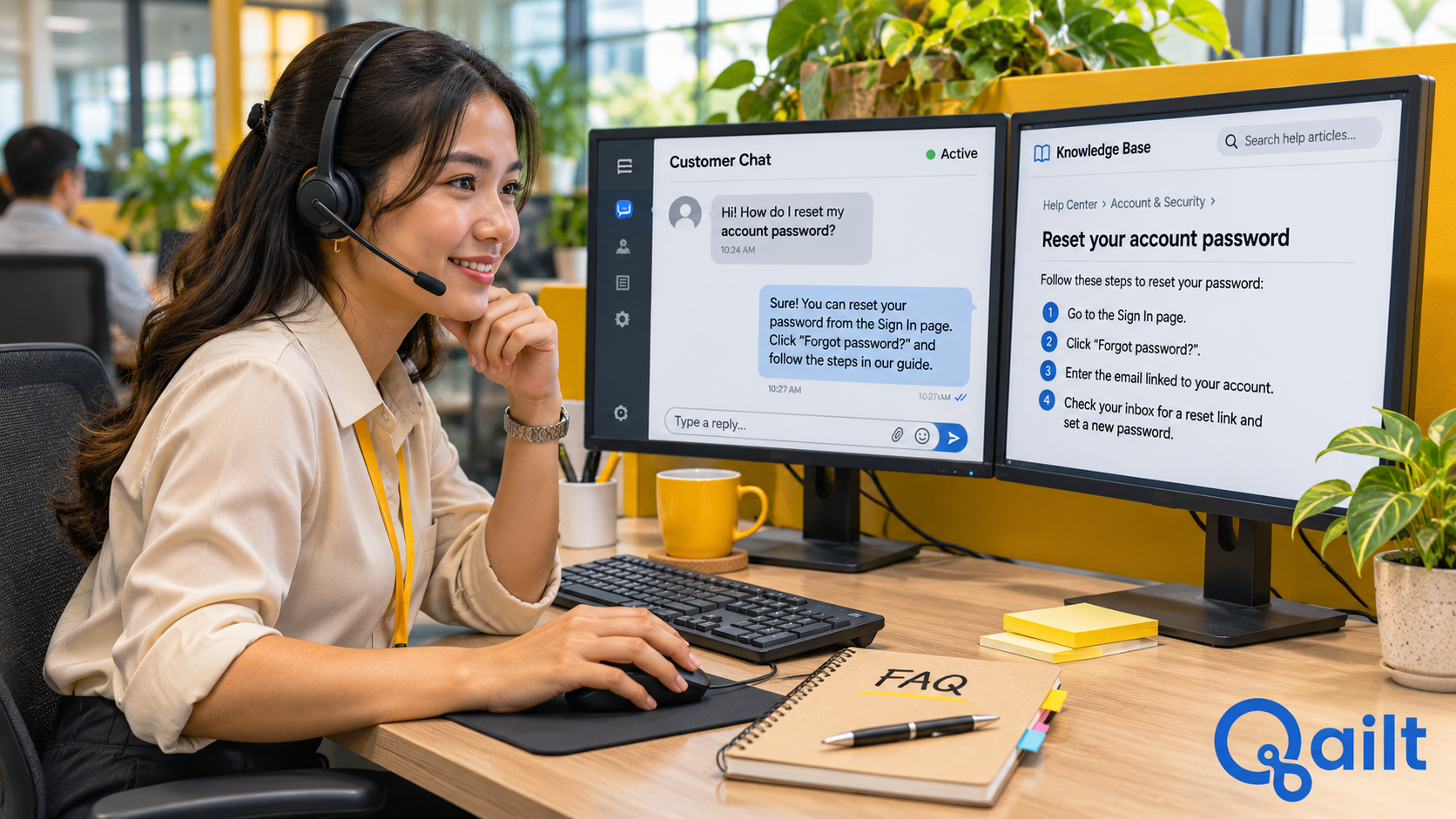
Answer Instagram DMs from an FAQ in Blabla
Set up Blabla to handle recurring questions in incoming Instagram DMs. Review suggested replies before automating part of your support workflow.
Before you start
- A professional Instagram account connected to the Blabla inbox.
- Approved answers to a few common questions, such as shipping or sizing.
Steps to follow
- Find three to five recurring questions in your DMs. Note which ones have a general answer and which require someone to check an individual case.
- Add the approved answers to the FAQ Blabla uses. Include exceptions and conditions that change the answer.
- Turn on AI replies for Instagram in suggestion mode so you can review the first drafts before sending them.
- Send a test DM from another account. Ask the same question with different wording and check the reply against your FAQ.
- Test a message that needs a person, such as a complaint. Turn on automatic sending only for recurring requests that passed your checks.
Example to try
For a fictional shop, add “Do you ship to Belgium?” and an approved answer that directs customers to the rates shown at checkout. Then ask “Can you deliver to Brussels?” and check that the suggestion gives the same conditions.
Check the result
- The suggested reply follows the FAQ and adds no unapproved shipping date or price.
- A refund request is still available for human review and triggers no automatic promise.
Common issue
Comment-to-DM automation responds to a keyword on a post. To test this workflow, send an incoming message through the Instagram inbox.