
Who this tool is for
Fellow is for people who want a meeting transcript, a summary and a record of action items. Supported meeting platforms include Zoom, Teams and Meet.
What you can do
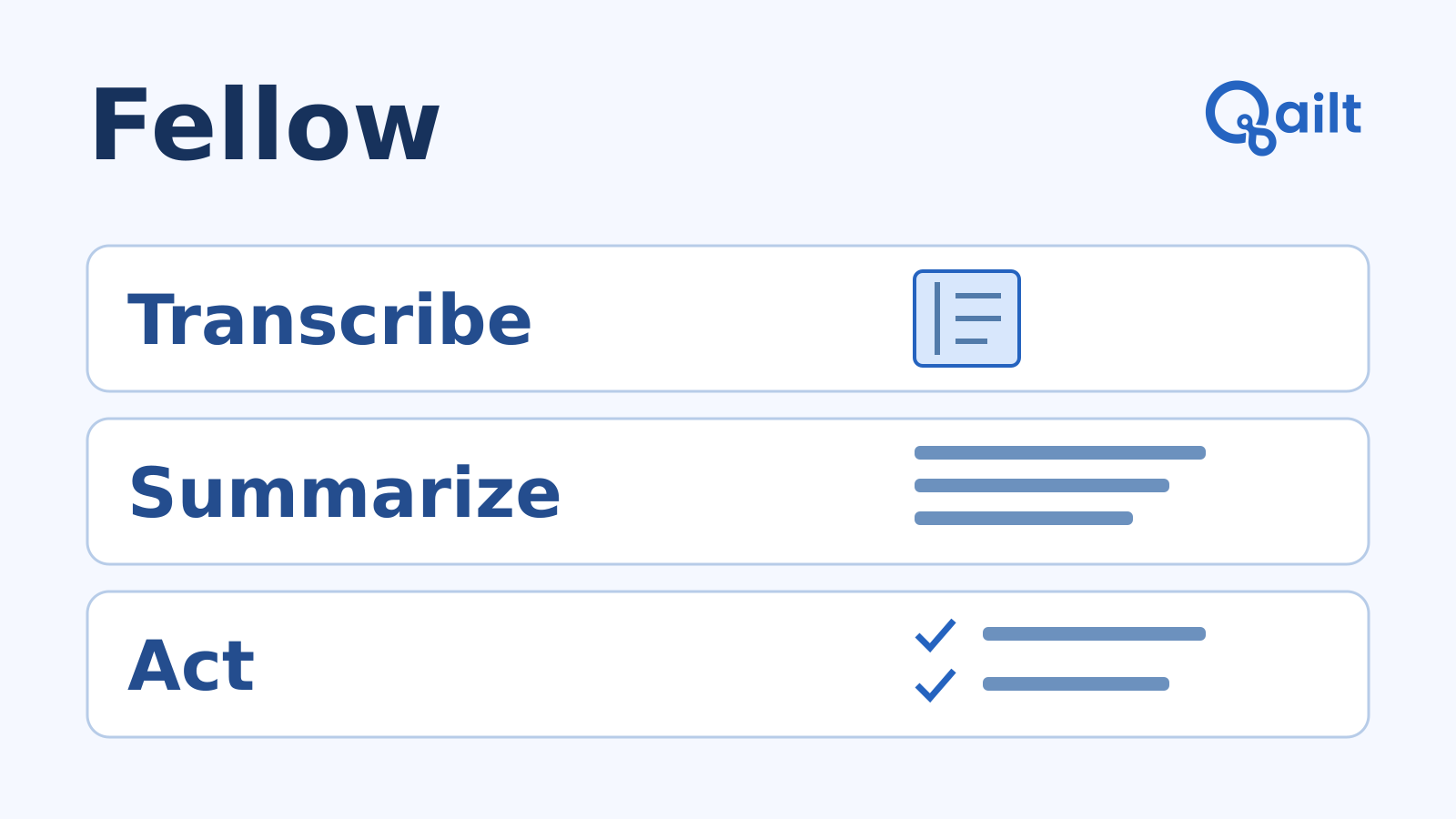
Its features include transcription, summaries, action items and Ask Fellow. Capture options include a bot, bot-free capture and in-person meetings. Check which option fits your meeting context before planning around a particular method.
How it works
Plan your use around the meeting setting and the material you want to consult afterward.
- Identify the meeting platform or in-person setting.
- Check which capture method is usable.
- Afterward, review the transcript, summary and action items.
Prerequisites
Before choosing a plan, count the meetings you need to document and the recordings you need to keep. Also check import conditions and whether your intended features are available in the plan.
Limitations
Free includes 5 AI notes and 5 recordings per user over their lifetime, not each month. Team includes 10 AI notes and 10 AI recordings per user per month. Business lists unlimited notes and recordings, but other limits still apply, including limits on imports.
Practical example
Example: six meetings that each need an AI note and a recording would exceed Free’s lifetime allocations. Compare plans against that volume and any separate import needs rather than treating Free as a recurring monthly allowance.
Getting started
Start with one specific meeting context. Before committing, confirm the plan limits, applicable retention conditions and current feature availability. Some functions are marked as coming soon, so do not base your choice on their immediate availability.