
Top 10 AI tools for academic research workflows
Ten AI tools for finding, reading, comparing and organising research, with a practical workflow for traceable evidence and verified references.
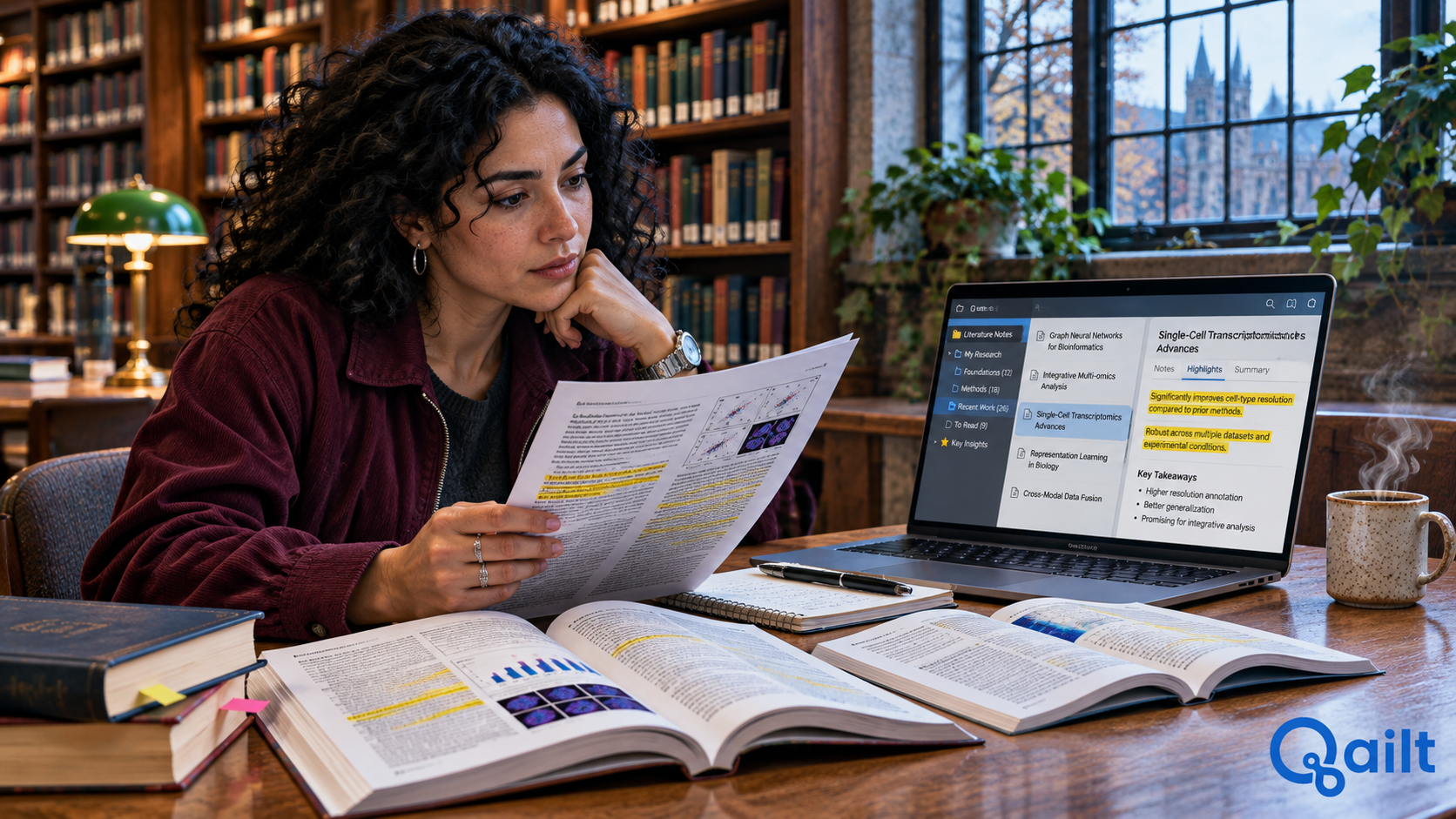
A research workflow is more than requesting a summary. You need to discover papers, decide what to read, extract useful information, check citations and preserve a reusable record. These ten tools address those stages. They are not ten essential subscriptions or a ranking of measured accuracy.
The selection combines AI-assisted discovery, algorithmic mapping and generative assistants. Their roles are not interchangeable. The exercises and selection criteria are our editorial recommendations. We have not run a benchmark across all ten products. Choose tools by the gap in your workflow, not the apparent sophistication of their outputs.
Differences that change the decision
| Required deliverable | Option and access | Documented output | Important limitation |
|---|---|---|---|
| References to retain | Semantic Scholar, a free search tool | BibTeX and EndNote .enw from a reference | Exporting a citation does not grant full-text access |
| Initial synthesis | Elicit Research Reports, all plans with usage limits | PDF or Word | A report is not a completed systematic review |
| Editable extraction table | Elicit Research Agent: table export from Plus upwards | CSV or Excel; some source tables in RIS/BIB | Export depends on the output type, not simply the presence of a download button |
| Structured review with stage control | Elicit Systematic Reviews: Pro, Scale or Enterprise | Exportable screening and extraction tables | Optimized for English; non-English quality varies and consumes the usage limit faster |
For predominantly French material, do not assume equivalent coverage: check several known references before choosing Elicit as the primary tool. A translator does not repair gaps in literature discovery.
Ten tools organised by research stage
1. Semantic Scholar : Discovering publications
Semantic Scholar provides search, filters and scholarly discovery. Our use is assembling an initial list of titles to check, not letting the engine define the entire subject. Search for a paper you already know. If it is missing, record that coverage limitation before treating the results as a complete landscape.
2. ResearchRabbit : Exploring related work
ResearchRabbit helps explore relationships between papers using starting articles and collections. Our advice is to begin with several different papers rather than one favourite. A network helps discovery but does not replace an explicit search strategy. Preserve the starting title so you can explain how each new reference was found.
3. Connected Papers : Visualising bibliographic similarity
Connected Papers organises publications in a similarity graph. Our suggested use is spotting a family of papers to inspect, then opening them. Visual proximity proves neither agreement nor superior quality. Record a question-related reason for retaining each paper, rather than selecting it merely because it appears near the centre.
4. Elicit : Comparing studies
Elicit offers research and structured-analysis workflows. Use it to prepare a table with one study per row. Our check is separating population, method, measure and outcome, then verifying a cell in every column against its document. Missing information must remain visible: a filled cell is not necessarily a retrieved fact.
5. Consensus : Exploring a research question
Consensus links answers to retrieved research papers. Our use is exploring question wording and possible disagreements before deeper reading. Ask about scope limitations and inspect the references. A positive summary must not erase a narrow population, a different outcome measure or uncertainty reported in the study.
6. Scite : Inspecting citation context
Scite classifies citations as supporting, contrasting or mentioning a work. Our priority is reading the citation passage rather than turning labels into an automatic truth vote. A citation may concern a method rather than your claim of interest. Check what is actually discussed before adopting its classification.
7. SciSpace : Reading a difficult section
SciSpace lets you discuss a paper PDF, including methods, findings and limitations. Our use is asking for an explanation of a specific passage, then comparing it with the original. For a table with multiple units or groups, check the relevant row and column. Never replace an unreadable value with an unlabelled estimate.
8. Gemini Notebook : Questioning a selected collection
Gemini Notebook works from the documents you supply. Our interest is asking a shared question across a selected collection while retaining source links. A closed collection can still omit contradictory work. Document its composition and selection date before synthesising it.
9. DeepL : Reading across languages
DeepL offers document translation. Our use is supporting an initial reading while keeping the original alongside it. Check negation, units and specialist terminology carefully. A translation creates no new scientific finding and should not be quoted as though it were the authors’ exact wording.
10. Claude : Structuring reading notes
Claude accepts documents including PDFs. Our suggested use is organising already checked notes into facts, interpretations and open questions. It is not automatically an exhaustive bibliographic engine. Require a document identifier for each claim and reject references added from memory without independent verification.
The minimum workflow: discover, read, preserve
Start with a discovery tool and a place for notes. Add a reading assistant only when the documents warrant one. A conventional reference manager remains useful; it does not need an AI label to belong in the workflow. The aim is a traceable chain, not a pile of answers that cannot be reconciled.
Give each retained document a stable internal identifier such as P01, together with exact title, authors, year, link, version and reading status. Distinguish “located,” “abstract inspected,” “full text read” and “data verified.” This simple discipline prevents a merely suggested reference from becoming evidence in the final draft.
Exercise: follow a question from start to finish
Use this question: “How do studies assess the effects of hybrid work on team collaboration?” It is a methodological exercise, not an announcement of empirical findings. First define the outcome of interest: perceived collaboration, communication frequency, joint output or another measure. These are not equivalent and must not be merged for convenience.
Build a small starting list, then explore references in relevant papers. Record how every candidate was discovered: query, another paper's reference, recommendation or graph. Check that it concerns hybrid work rather than an entirely remote arrangement. Preserve useful background studies in a separate category instead of pretending they satisfy the main criteria.
When extracting information, create columns for population, working arrangement, comparison, duration, outcome measure and main limitation. Imagine two fictional examples: an opinion survey and a study following a team's interactions for several months. They may inform the same question, but their measures are not interchangeable. Ask the assistant to explain that difference rather than invent a common percentage.
Finally, write a short synthesis using identifiers P01, P02 and so on. You should be able to recover the supporting passage for every statement. If a sentence has no basis in a document you inspected, turn it into a question to investigate or remove it. This protocol describes what you should check; it does not claim those results were obtained in the selected products.
A reading prompt with an evidence trail
Using supplied document P01, identify the question, population, method, measures and limitations. For every item, provide its section and a short supporting passage. Separate what the authors report from your interpretation. Write “not reported” when information is missing. Add no external references. Finish with three points I should check in the original text.
Human review should focus on details that alter interpretation: unit of analysis, duration, comparison conditions and the distinction between primary findings and secondary observations. A more accessible explanation is welcome, but it must preserve those distinctions. Keep the document and checked notes even if you later switch assistants.
Avoid bibliographic errors
- Check title, authors, year and identifier against the publication page.
- Group preprints and final versions of the same work without counting them twice.
- Inspect any correction or retraction notices.
- Confirm that a cited passage supports the specific sentence, not merely its general subject.
- Keep exclusion reasons, even when a tool recommends a highly popular paper.
Frequent citation does not automatically make a conclusion correct. Graph proximity is not agreement. A linked summary is not full-text access. These distinctions explain why discovery, reading and verification remain separate stages even when one product combines them in a single interface.
Do not hide conflicting findings to make the final account smoother. First check whether studies ask the same question and measure the same outcome. If the disagreement remains, describe it and preserve the uncertainty. The assistant can help organise the differences; it should not resolve them by selecting whichever sentence sounds most confident.
Cost, confidentiality and output files
Before paying, test the output you will actually use: an editable table, source-linked notes or an importable reference file. Check formats available in the selected plan and import a few entries to inspect accented names, titles and identifiers. Meaningful cost includes verification time, deduplication and export repair, not just subscription price.
Do not upload a confidential manuscript, review file or participant data without an appropriate arrangement and authorisation. Begin with public publications or documents you are permitted to share. For a formal review, follow your team's protocol and disciplinary requirements. None of these tools removes the need to document the search and its limitations.
A simple handover package can contain the question, dated search log, inclusion criteria, reference collection and checked extraction table. This is more durable than a single conversation link. It also makes collaboration easier: another researcher can inspect the same evidence rather than trying to reconstruct how an attractive summary was produced.
For the narrower choice of a source-based search service, see our Perplexity alternatives for academic research. For a practical table, follow the Elicit study-comparison tutorial. The best combination lets you recover evidence, explain exclusions and continue the work without depending on one conversation.
Put it into practice

Read next
Perplexity alternatives for academic research
Compare Elicit, Consensus and Semantic Scholar for academic research: find studies, verify evidence and check reference exports before choosing.

ElevenAI opens early access for meeting notes on Mac
ElevenLabs introduces a Mac app with dictation, speaker-labeled transcripts, and action items. Free early access is available by sign-up.

Photoshop 28.0 removes objects and their shadows or reflections
Photoshop’s Remove tool can erase an object and the traces it leaves in the scene. Find out where to use the option and how it uses generative credits.